
How to Write a Book With AI: a Step-By-Step Guide
Curious how to write a book with AI step by step, from idea validation to launch, without losing your voice? The next step changes everything.
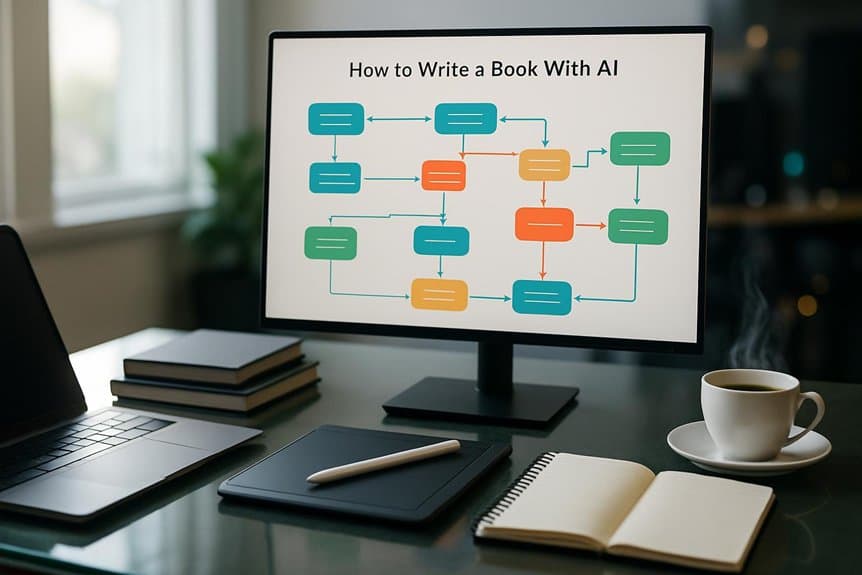
You can write a book with AI by using it as a structured co-writer from start to launch. Generate and validate ideas with brainstorming prompts and market signals like Amazon category leaders, then lock your premise in a Story Bible for names, rules, and character arcs. Create a three-act outline with clear chapter beats, draft scenes in focused chunks (plus dictation), and run editing passes for voice, facts, and continuity. Next, you’ll see how to streamline every step.
Key Takeaways
- Brainstorm broad book concepts with AI prompts, then validate winners using Amazon bestseller data, category rankings, and gap analysis.
- Build a Story Bible to lock premise, genre, themes, character profiles, and canon tags for names, locations, timelines, and props.
- Generate a three-act outline with 8–15 chapter beats, then freeze approved entries and map Story Bible canon tags to each beat.
- Draft chapters from beat lists by generating 200–500 word scene chunks, stitching them into full chapters, and refining with dictation and cleanup.
- Edit with AI for voice consistency, continuity, and pacing, then produce launch assets like blurbs, keywords, ad copy, and email sequences.
Choose a Book Idea With AI Prompts
Although inspiration can strike anywhere, you’ll choose a stronger book idea faster by using AI prompts to generate a wide spread of concepts, then filtering the best ones with real market signals like Amazon Best Sellers and Kindle category rankings.
Start with AI brainstorming prompts to surface book ideas with AI across genres, then run quick market research for books by checking category leaders and gaps.
Next, use niche-specific prompts to match reader demand, and request target audience estimation by asking for comparisons in search volume, competitiveness, and rank likelihood.
For idea validation, ask AI to turn seed concepts into five options via hook generation (tone, protagonist, setting, twist, conflict), then pick the most distinctive.
Save winners in a story bible as a Keepers list, tagged by genre and audience.
Build an AI-Assisted Outline and Story Bible
Before you ask AI to outline your book, build a Story Bible that locks in your premise, genre, themes, protagonist goal, antagonist force, and setting so every generated beat stays consistent. Treat it as a consistency database for names, locations, timelines, and props with canonical tags.
| Build | Ask AI |
|---|---|
| character profiles | three-act structure |
| canon tags | chapter beats |
Have AI draft character profiles (5–10 attributes: age, backstory, quirks, arc beats), then paste only what fits your voice. Next, feed the Story Bible into an AI outline tool and request a three-act structure with 8–15 chapter beats and 3–6 plot points per act. Use subplot generation and sensory detail prompts to expand scenes, then do iteration and locking: edit, approve, and freeze final entries so later outputs can’t drift.
Draft Chapters With AI Prompts and Dictation
With your Story Bible and outline locked, you can draft chapters fast without letting the story drift.
Start each chapter by pasting your chapter outline or a tight beat list (act, chapter goal, three beat sentences) plus relevant story bible excerpts to protect continuity.
Use targeted AI prompts with character names, scene goals, and emotional beats to generate 200–500 word scene chunks you can stitch into 800–2,500 word chapters.
Then switch to dictation: record voice notes in an app and auto-transcribe, speaking 120–150 words per minute.
Drop your own dialogue or interior monologue into the AI scaffolding so prose stays natural.
Clean obvious transcription errors, keep pacing moving, and flag spots you’ll later edit for voice.
Edit for Voice, Facts, and Consistency With AI
Editing with AI turns your rough draft into a clean, credible manuscript without sanding off your voice.
Start with style-matching: feed 2–5 sample chapters and request voice matching so rewrites keep your sentence rhythm, diction, and recurring metaphors while preserving meaning and authorial voice.
Then run AI editing passes: one for tone, one for accuracy, one for continuity.
Use fact-checking prompts to verify dates, locations, technical details, and stats; demand sources or uncertainty flags, then fix anything disputed.
Keep a centralized story bible and use cross-reference prompts each session to surface timeline gaps, name drift, or trait changes.
Finish with consistency checks and an AI diff that reports voice shift and sentences changed. Log accepted edits in a changelog for accountability.
Final AI Review + Blurb, Ads, and Launch Assets
Once your draft reads clean, run a dedicated AI “final analysis” pass (using tools like Marlowe or Sudowrite Feedback) across the entire manuscript to spot pacing drag, weak character turns, and missing emotional beats, then export a prioritized list of 10–20 concrete fixes you’ll tackle before polishing, and only after that shift AI to sales mode, generating blurbs, ads, keywords, and launch assets that match the book you actually wrote.
Treat this final manuscript review as AI-powered editing for pacing and character arcs.
Next, create back-cover blurb variants (short/medium/long) and A/B test three hooks.
Then generate ad copy variants per channel with clear CTAs.
Draft metadata and keywords (seed + long-tail), then validate before KDP upload.
Finish by producing tagline options, social posts, a book trailer script, and a five-part email sequence you’ll customize and schedule.
Conclusion
Now you’ve got a repeatable AI-assisted process: you used prompts to choose a strong idea, built a clear outline and story bible, drafted fast with guided prompts and dictation, and edited for voice, facts, and consistency. Finish with a final AI review, then generate your blurb, ads, and launch assets. You’re still the author, AI just speeds you up. Keep iterating, trust your instincts, and ship the book.
Ready to write your book with AI?
Turn your idea into a finished, publishable book. Start your 5-day free trial today, no installation needed.
Start your free trialKeep reading

How to Create Evergreen Content Books Using AI
Develop evergreen content books with AI by focusing on timeless ideas, and discover the simple framework that keeps readers coming back.

AI Book Maker: 3 Tools to Write and Publish a Book Faster
Overwhelmed by book publishing deadlines? Discover 3 AI book makers that accelerate drafting and KDP-ready formatting - yet one key choice could make or break your launch.
Write a Book Using AI in 10 Steps
Get the 10-step AI book-writing blueprint - goal, outline, draft, edit, and publish - plus the prompts that make it work, if you keep reading.